A recurring report
A task retrieves data, assembles a report and sends the result at the agreed time.
Let recurring digital tasks run automatically.
Retrieving reports, transferring data or carrying out fixed steps in an application: Fortra Automate can automate this work using RPA and visually built tasks. RPA is software that carries out actions in existing applications.
Free of charge and without obligation. Around 30 minutes, through Microsoft Bookings. Privacy information.
Someone opens a system, retrieves information, processes it in a file and sends the result on. When the steps are predictable, Fortra Automate can take on some of this recurring work.
Three working situations where this solution could play a part.
A task retrieves data, assembles a report and sends the result at the agreed time.
Standard data moves from a file into the next application. Unusual input follows a separate path for checking.
Recurring account tasks can follow predefined steps, with the required permissions and checks.
Run agreed actions between digital steps so employees spend less time transferring data.
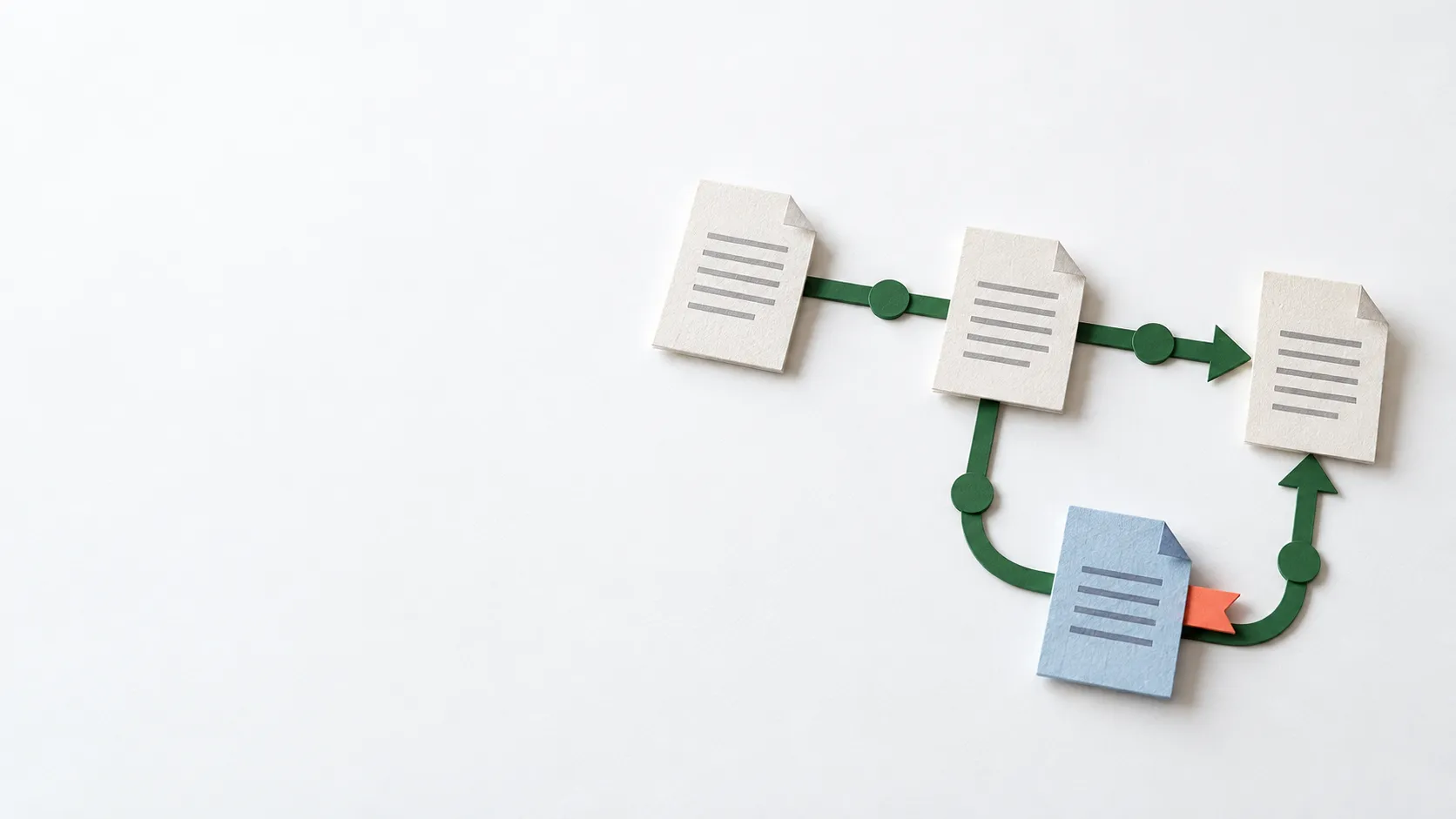
Tasks are built from actions, making their sequence visible and allowing recurring steps to be reused.
Plus and Ultimate offer central management features across multiple execution environments. Availability depends on the chosen edition and licence.
Consider recurring work in finance, HR and IT. Fortra also describes applications in banking and healthcare. These are potential areas of use; predictable process steps and the required checks determine whether a particular task is suitable.
Automate Desktop focuses on execution on an individual machine. It can be a starting point for a clearly defined recurring task.
With more execution environments, scheduling, central management and ownership become more important. The appropriate edition needs to be selected.
Start with the process steps, sample files and exceptions. Establish which applications can be accessed and who manages changes.
A task can use application screens or available integrations. Changes to an application can require maintenance when tasks depend on screen interactions.
Establish whether execution on one machine is sufficient or central management is needed. We consider the current licence scope during the technical assessment.
Automation needs access to the systems where the work takes place. Limit that access and establish who may change tasks.
Fortra's comparison lists group permissions and workflow auditing for Plus and Ultimate. These should not be assumed to be standard Desktop features.
A credential vault for managing login details is also edition-dependent. The required edition and access arrangements are determined during setup.
I am Joshua Boermans, an Automation Consultant at Korper. I assess what could be automated and where it would add value. I then work with technical colleagues to shape a suitable approach. Korper is a partner of the supplier described here.
We discuss the current steps, manual work and exceptions. You do not need to choose a tool beforehand.
We consider the expected value, existing systems and the ongoing management required.
If automation is a good fit, we identify the technical work needed. We coordinate implementation with the technical team at Korper.
Yes. Many applications follow fixed rules, such as producing a report or transferring data. AI is not a prerequisite.
A defined task can be a starting point. Recurring work, exceptions and the setup required matter more than employee count alone.
That depends on the access available and the process. We compare integrations and screen interactions, including their maintenance and controls.
The edition, setup, applications and management determine the investment required. A conversation helps define the process and scope first.
Tell me where the work gets held up. We can explore whether this solution fits and what a useful next step would be.
Free of charge and without obligation. Around 30 minutes, through Microsoft Bookings. Privacy information.