Fortra Automate
- When relevant
- Recurring digital tasks with clear rules.
- Strength
- Combine screen-based steps and integrations in a task.
- What to check
- Choose the edition and agree who maintains the tasks.
Looking to reduce retyping, connect systems or deliver files on time? See which solution could suit the work you want to improve.
This comparison covers five solutions from Korper partners. They serve different purposes and can complement each other.
Free and without obligation. Around 30 minutes, via Microsoft Bookings. Privacy information.
Start with the process and the systems you already use. Below, you can compare each solution's main application, a strength and what to check before choosing.
Prefer to start with your own work? Use the guide.| Solution | When relevant | Strength | What to check |
|---|---|---|---|
| Fortra Automate | Recurring digital tasks with clear rules. | Combine screen-based steps and integrations in a task. | Choose the edition and agree who maintains the tasks. |
| Harmonizer | Data needed in several applications. | Managed integrations with data checks and transformation. | Check system access and arrangements for changes and management. |
| BMC Control-M | Jobs across systems that depend on each other. | Coordinate schedules, dependencies and progress centrally. | Map deadlines, failures and responsibilities. |
| Lleverage | Processing information from varied emails and documents. | AI-assisted processing with workflows and human review. | Test exceptions and define checks, access and data processing. |
| Kiteworks | Exchanging files with systems and external parties. | Schedule, monitor and recover transfers with access controls. | Determine the modules, recipients and hosting setup needed. |
People repeat the same steps in applications: retrieving information, transferring data or preparing a report. Fortra Automate can perform these tasks using RPA and system integrations. RPA is software that carries out actions in existing applications.
Example: Retrieve data, process it according to defined rules and prepare a recurring report.
Built-in actions let you combine digital steps into a recurring task.
Screen interactions and integrations offer different ways to perform the work. The access available helps determine the approach.
The edition comparison lists central execution across machines, group permissions, workflow auditing and a credential vault under Plus and Ultimate. Establish which edition you need.
Agree who checks tasks when an application or process changes. Exceptions and access permissions form part of those arrangements.
An update in one system needs to reach another. Harmonizer connects applications as a managed integration service and passes data on according to agreed rules.
Example: Pass new employee details from an HR system to another application.
An integration can retrieve, check and transform data into the format needed by the receiving system.
You can have the agreed integrations and monitoring managed for you. The service agreement defines which support and changes are covered.
The API available, access permissions and network reachability determine what is possible. An API is an interface through which systems exchange data. For isolated local systems, we first assess how a connection could be established.
Agree which system holds the correct data and who resolves differences or missing information. Changes in applications also need follow-up.
A job can only start when another step has finished. BMC Control-M schedules and monitors these application and data processes. This coordination is called workload automation or workflow orchestration.
Example: Start reporting after a file has arrived and its data has been processed.
Track and coordinate the order, schedule and progress of connected jobs centrally.
Control-M MFT can make file transfers part of a workflow. Assess the components and licences required separately.
Map dependencies and deadlines, and agree who follows up failures. For a standalone task, first assess how much central coordination would add.
Control-M has SaaS and self-managed options. Integrations and execution components depend on your systems. For SaaS, also agree how your own processes and access are managed.
Order details or invoice information arrive in different formats. Lleverage uses AI to process this information and connect it with subsequent steps in existing systems.
Example: Extract order details from an email and ask an employee to review an exception.
AI-assisted processing can connect with steps involving orders, invoices and purchasing information.
A workflow can wait for a decision from an assigned person. Project roles and item permissions help limit access.
Use real examples to assess the checks needed. When a fixed rule is enough, first consider whether AI adds value.
A deadline on a human decision step does not automatically trigger escalation. Agree who follows up outstanding decisions and when.
Processing exclusively within the EU (EU-only) is available for paid plans on written request and can restrict integrations. For paid use, zero retention concerns AI model providers not retaining the data; the platform can store data. It is not guaranteed for test use.
Files need to reach the right party, and failed transfers need follow-up. Kiteworks provides Managed File Transfer (MFT) to schedule and monitor these file flows.
Example: Deliver an order file to a supplier at an agreed time and follow up a failure alert.
MFT Server supports scheduled and event-driven transfers, monitoring and recovery after failures.
Roles help separate management tasks. MFT Client provides additional file-based workflows and connections with applications.
Server, Client and other platform features are not automatically one standard package. Additional security checks can also require other systems or components.
Agree the format, protocol, recipient and error handling. A successful transfer does not by itself establish that the receiving application has processed the file.
An order may be read from a document, checked by an employee and then passed to a system or recipient. One solution may cover those steps; a combination may also make sense. We assess the options using your existing systems.
Read how RPA, workflows, integrations and AI differ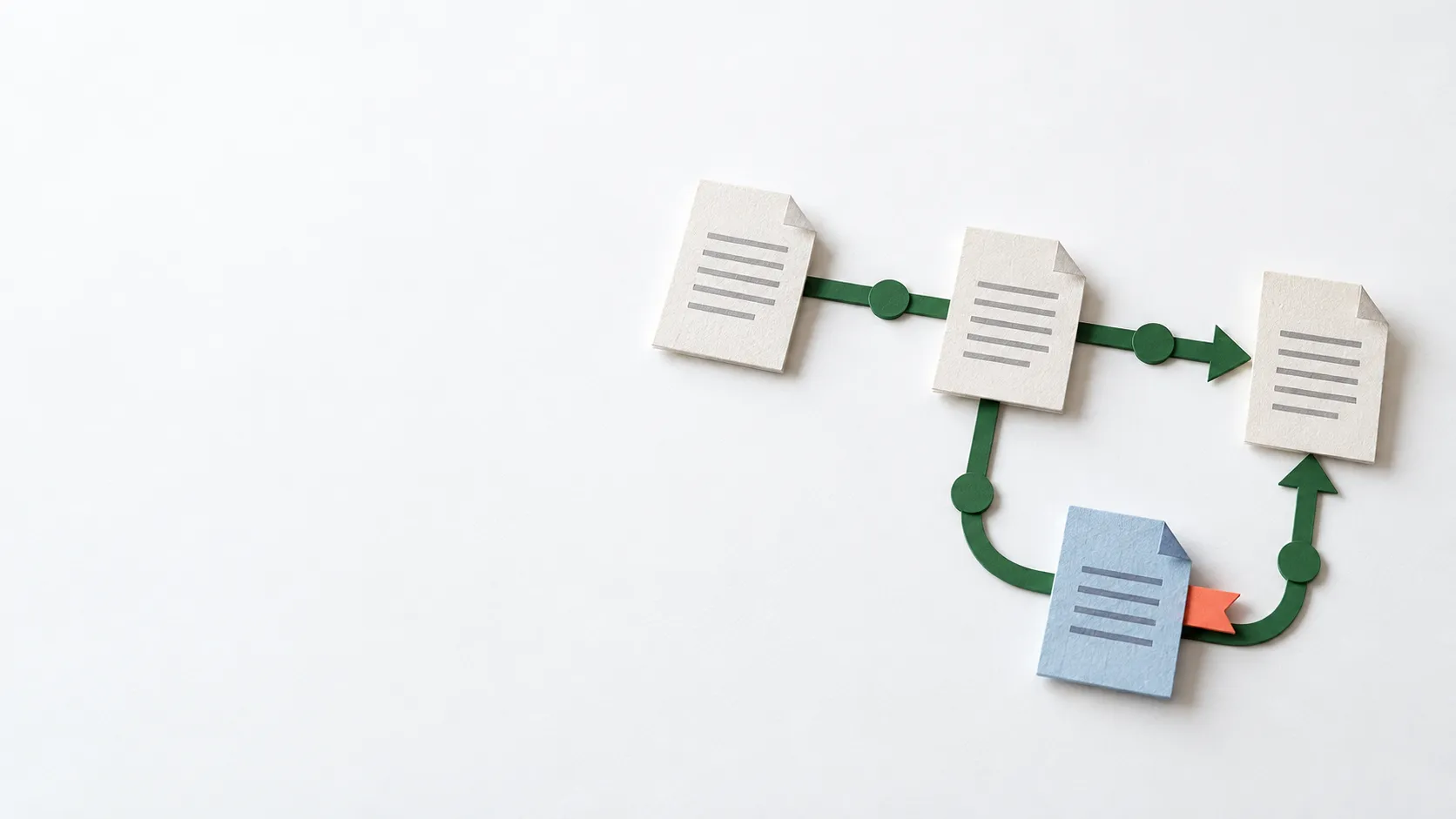
The amount of recurring work, systems involved, exceptions and management needs help determine the choice. We start by discussing a specific process and the effort required.
We assess that first. Available integrations, access permissions and the process steps needed determine how we can connect to what you already have.
The edition or deployment, licences, integrations, exceptions and ongoing management. The first conversation is free; technical design and the effort required are discussed separately.
Book a free, no-obligation conversation of around 30 minutes. Together, we will look at your current process, systems and a practical next step.
You do not need to choose a product beforehand.
Free and without obligation. Around 30 minutes, via Microsoft Bookings. Privacy information.