The same tasks, again and again
Entering data, repeating checks and preparing reports.
Automate recurring tasksRe-entering data, forwarding files or waiting for the next step? I help you explore where business automation makes sense and which approach fits your process.
Compare solutionsFirst conversation: free of charge, no obligation, around 30 minutes.
Start with the work you currently do by hand. The guide shows an approach worth exploring.
Start the guideEntering data, repeating checks and preparing reports.
Automate recurring tasksA change in one system needs to reach another system too.
Connect your systemsProcessing in one system cannot start until another task has finished.
Schedule and monitor workflowsSending files, checking receipt and following up on failed transfers.
Organise file transfersReading incoming messages and attachments before you can process their data.
Process information with AIThis selection covers different uses of automation. The partnerships are held by Korper. The right solution depends on your process, existing systems and the ongoing management it requires.
Compare solutionsProcess automation and RPA
Automate performs recurring tasks according to configured rules. It can work through application screens using RPA (Robotic Process Automation), or through connections between systems.
System integration
Harmonizer connects applications through a managed integration service. Data is retrieved, transformed and passed to another system according to agreed rules.
Workload automation and orchestration
Control-M schedules and monitors automated tasks across systems. You define what must happen first and which step follows. This is known as workload automation or workflow orchestration.
Intelligent Automation and AI workflows
Lleverage uses AI to process information from emails and documents and connect it to steps in a business process. Integrations can pass the output to existing systems.
Secure file exchange and MFT
Kiteworks helps you share sensitive files with controlled access and automate transfers between systems using Managed File Transfer (MFT). You can manage access, monitor transfers and record who sends or receives which files.
Is your main concern getting files to the right recipient on time? Managed File Transfer (MFT) helps you centrally schedule and monitor file transfers, with access controls and a record of transfers.
Think of a daily order file sent to a supplier. A failed transfer also needs to be detected and followed up.
Explore Managed File TransferFixed rules are not always enough, for example when classifying incoming emails. Intelligent Automation combines process automation with AI assistance. Agree which outputs a person should review and how exceptions will be handled.
When Intelligent Automation may fitI'm Joshua Boermans, Automation Consultant at Korper. I explore what could be automated and whether it is worthwhile. If it makes sense to proceed, I work with technical colleagues to create an implementation plan.
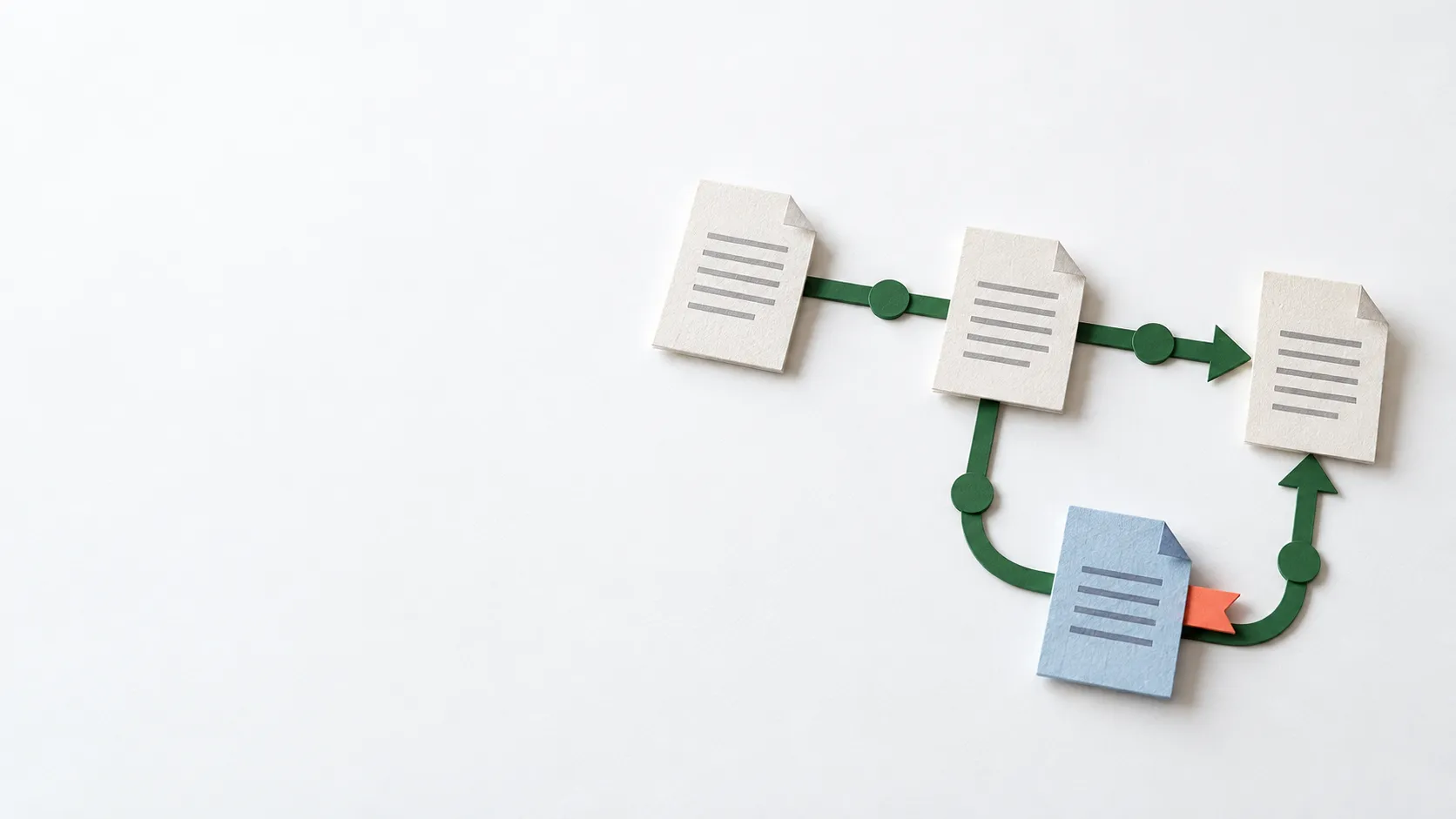
We discuss what is done manually, how often it happens and where it gets stuck.
We look at the potential value, existing systems, exceptions and checks that are needed.
If automation looks appropriate, we agree a next step and you receive a short summary.
That is one of the first things we explore. Sometimes you can build on what is already there. The options depend on available connections, access permissions and changes to the applications, among other things.
The scope of the process, connections, exceptions and ongoing management. Software licences or a subscription may also be needed. The first conversation is free; technical design and the effort required are discussed separately.
You do not need to choose a product yet. Briefly describe the work that keeps coming back. I reply to your request within one working day to arrange a time.
Free of charge, no obligation, around 30 minutes.